How To Make Laptop Battery Last Longer

Have you ever seen your laptop battery go from 50% to 5% in what seemed like 10 minutes, right in the middle of something important? The feeling of a sinking laptop is a familiar one for most people and it is seldom a matter of bad luck. It’s the gradual effect of the little things, such as leaving your laptop plugged in all the time, or letting it sit in a hot bag for months and years without a break, eroding the battery’s ability to hold a charge over time. There’s no one dramatic solution to making laptop batteries last longer. It’s a few simple, daily habits that keep your battery safe.
In this guide, you will learn how to make laptop battery last longer, how long a laptop battery should really last, and how to know when it’s time to replace your battery and not just a slow day. We will also go over the laptop battery saver mode and whether or not it actually works and how to find out at any time how long your laptop battery will last. Imagine this is the no-nonsense, practical guide you would want to be included in every laptop box.

Key Takeaways
- In general, most laptop batteries last for approximately 300 to 500 full charge cycles, but in practical use, they can last anywhere from 2 to 5 years depending on usage.
- Heat is among the quickest methods of making a battery old, even faster than regular use.
- Avoid keeping your battery at 100 percent all the time, as this will significantly reduce ageing.
- The battery saver mode on the laptop is a way to get more hours out of one charge, but it won’t make any difference in the battery’s lifespan.
- Regularly monitoring your battery health every few months can help identify a failing battery before it becomes an issue.
Understanding the meaning of Laptop Battery Lifespan.
Laptop battery life is the number of years or charge cycles a battery will maintain a significant charge capacity. This is not battery life on one charge, which is the number of hours before you need to recharge. Both numbers are important, but they are answering different questions.Understanding battery lifespan is the first step in learning how to make laptop battery last longer.
So, what is a charge cycle and why is it important?
A charge cycle is one full discharge of 100% battery capacity, but this is not likely to happen in one day. Using half of your battery one day and recharging it, then half of it the next day is considered one full cycle. The report from Battery University, confirmed by Apple’s own documentation, says that the average laptop user gets between 150 and 300 cycles a year, depending on use. Most modern laptop batteries have a lifespan of 300 to 500 cycles, with some high quality batteries having a lifespan closer to 1,000 cycles before reaching 80% capacity.
How Long Should A Laptop Battery Last
If you want to know how to make laptop battery last longer, it helps to first understand its normal lifespan. Most laptop batteries last somewhere between two and five years of regular use, or about 300 to 500 full charge cycles.
However, the longevity of a laptop battery can vary significantly based on the device and its usage. HowLongFor.com summarized the research that a laptop battery generally has a lifespan of 2-5 years, and according to separate research, 4-7 years is not uncommon if it is properly cared for and used lightly. At the top of the range, Apple Silicon MacBooks have been seen to last up to 12 to 22 hours on a single charge for light to medium workloads, a far cry from the battery’s actual lifespan.
How Many Hours Does A Laptop Battery Last On Average Usage Per Day?
One cycle will last approximately 10 months with daily heavy use for a 300 cycle battery, 1 ½ years with daily heavy use for a 500 cycle battery, and 3 years with daily heavy use for a 1000 cycle battery. In reality, most people don’t drain their laptop batteries to 0% every day, and this is why the actual battery life for most users is closer to 2-5 years than these daily cycle estimates.
Does the laptop brand really impact battery life?
Yes, there is a difference in laptop brand, mostly because of the difference in battery management software, not the battery cells themselves. In particular, Apple has earned a reputation for having good cycle longevity due to its aggressive battery management systems, which have been added since macOS Catalina and improved in a number of firmware updates since. Device specific settings are just as important as the actual battery, as brands such as Dell, Lenovo and HP have also poured significant resources into their own battery care software. Using these built in battery care features is one of the easiest ways to make laptop battery last longer without changing how you use your device every day. You can also see how Apple protects battery lifespan on Mac notebooks to understand how this feature works.
How to make laptop battery last longer step by step
Let’s take a look at specific habits that do make a difference, in the order that’s likely to be most important.
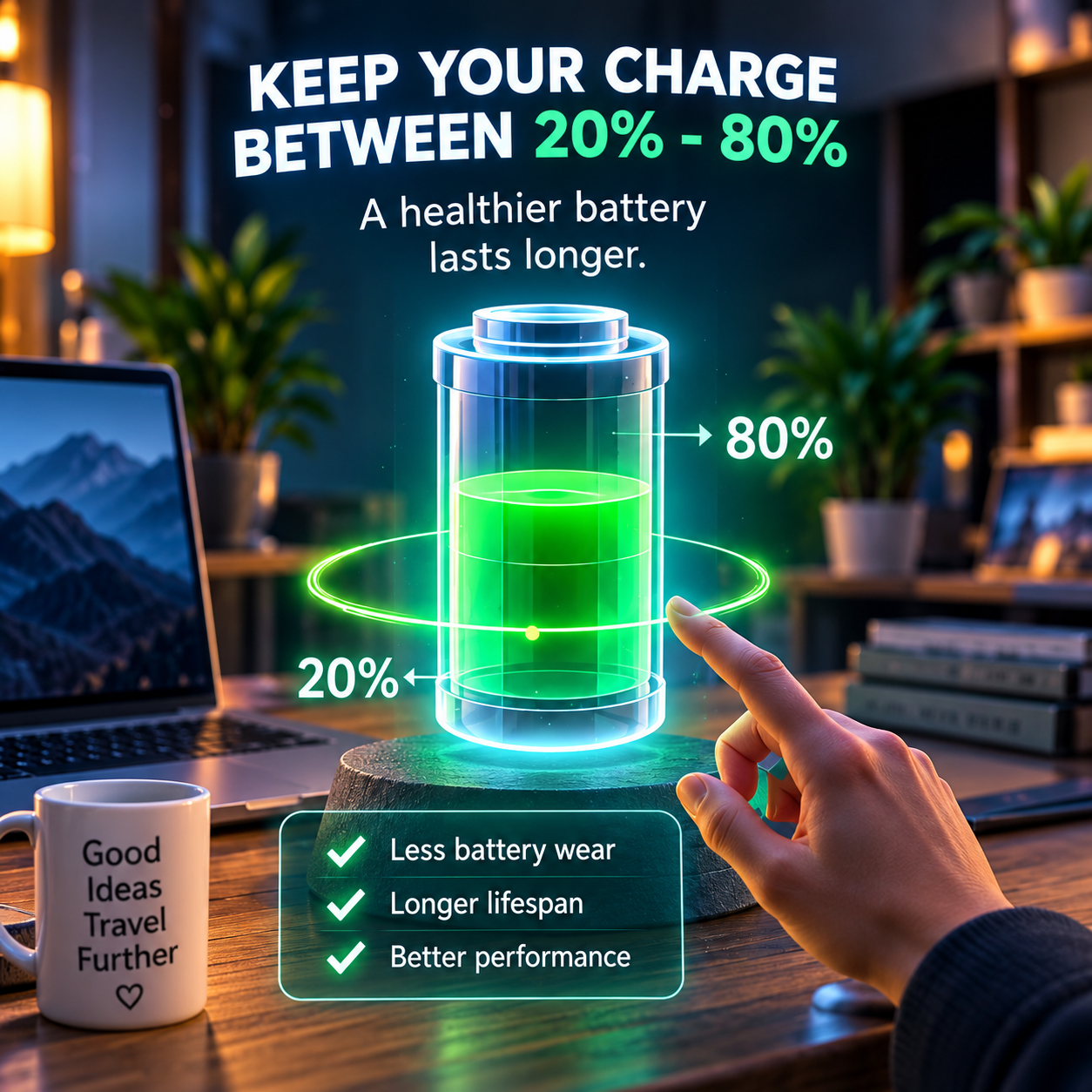
Step 1: If possible, maintain a charge of about 20% to 80%. The single most important thing to do to slow down the chemical aging in the cells is to avoid both extremes, a near-empty battery and a battery parked at 100 percent.
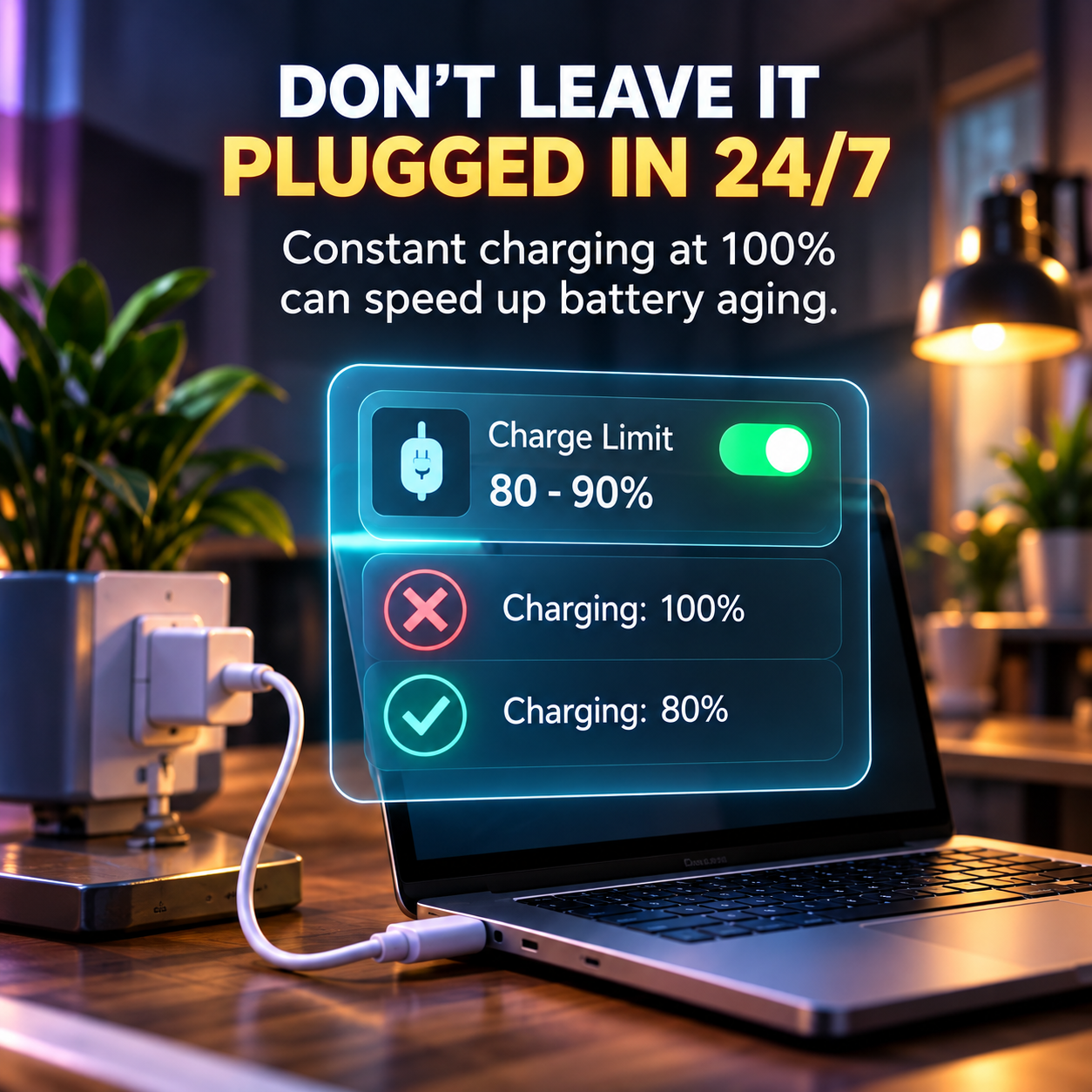
Step 2: Do not leave your laptop plugged in and unused for extended periods. Batteries that are fully charged, particularly if they are warm from being plugged in, age faster, even if the laptop is not in use; this is called calendar ageing.
Step 3: Maintain a cool laptop. Heat is one of the quickest ways to quietly age a battery, according to research published in the Journal of Power Sources, which showed that batteries can lose up to 25% of their life if they are consistently exposed to temperatures above 35°Celsius.
Step 4: Use your laptop’s built in charge limit feature if it has one. Some modern Lenovo, ASUS, Dell, HP and Apple laptops have a battery care mode that limits charging to approximately 80-90%, which is done to minimise the amount of time the laptop sits at full charge.
Step 5: Dim the screen and shut down apps that you are not using. The display is usually the biggest consumer of power on a laptop and dimming the brightness and closing down power-hungry background processes will help to decrease the strain on the battery on a daily basis.

Step 6: Do not allow the battery to be discharged to 0% too often. It’s not necessary to drain your battery to 0 before charging it back up again, but doing so puts extra stress on the battery.
Step 7: If you aren’t going to use your laptop for a while, store it properly. To minimize ageing of the laptop, store it around 50 percent charged in a cool, dry place for weeks or months rather than fully charged or fully discharged.
Is It Bad To Keep A Laptop Plugged In All The Time?
Yes, constant charging will shorten battery life, primarily because the battery is kept at or near 100 percent charge, and because it also absorbs heat from the charging power cord. This is one of the most common misconceptions people have, and it seems logical to think that being plugged in would be more gentle on the battery, but in fact, it can often be the very thing that causes the battery to chemically age. Knowing when to unplug your device is an important part of learning how to make laptop battery last longer.
Charging Habits That Matter More Than People Realise
If you are learning how to make laptop battery last longer, your everyday charging habits can make a bigger difference than most people realise.
To get the most life from a laptop battery, try the following:
- Avoiding long periods of waiting until the battery is almost depleted to charge it up again, but instead charging in shorter intervals more often
- Disconnecting the battery when it’s around 80-90% full rather than always fully charged (100%)
- Not using fast chargers that are not compatible with your laptop, as this can create additional heat
- Placing the laptop in a cool place before charging it, if it has recently been in a hot environment such as a car or direct sunlight.
- Charging with the manufacturer’s original charger or a certified charger (off-brand chargers may not provide the same voltage)
Will Fast Charging Hurt Laptop Battery Health in the Long Run?
Fast charging can shorten battery life in the long term because it generates slightly more heat than standard charging, and heat is one of the most harmful factors for lithium ion batteries. If you charge quickly from time to time when you are pressed for time, it is unlikely to cause any significant damage, but if you charge quickly all of the time, then it may reduce the battery’s useful life by a few months compared to regular charging. Reducing unnecessary heat while charging is another practical way to make laptop battery last longer over time.
Laptop Battery Saver Mode
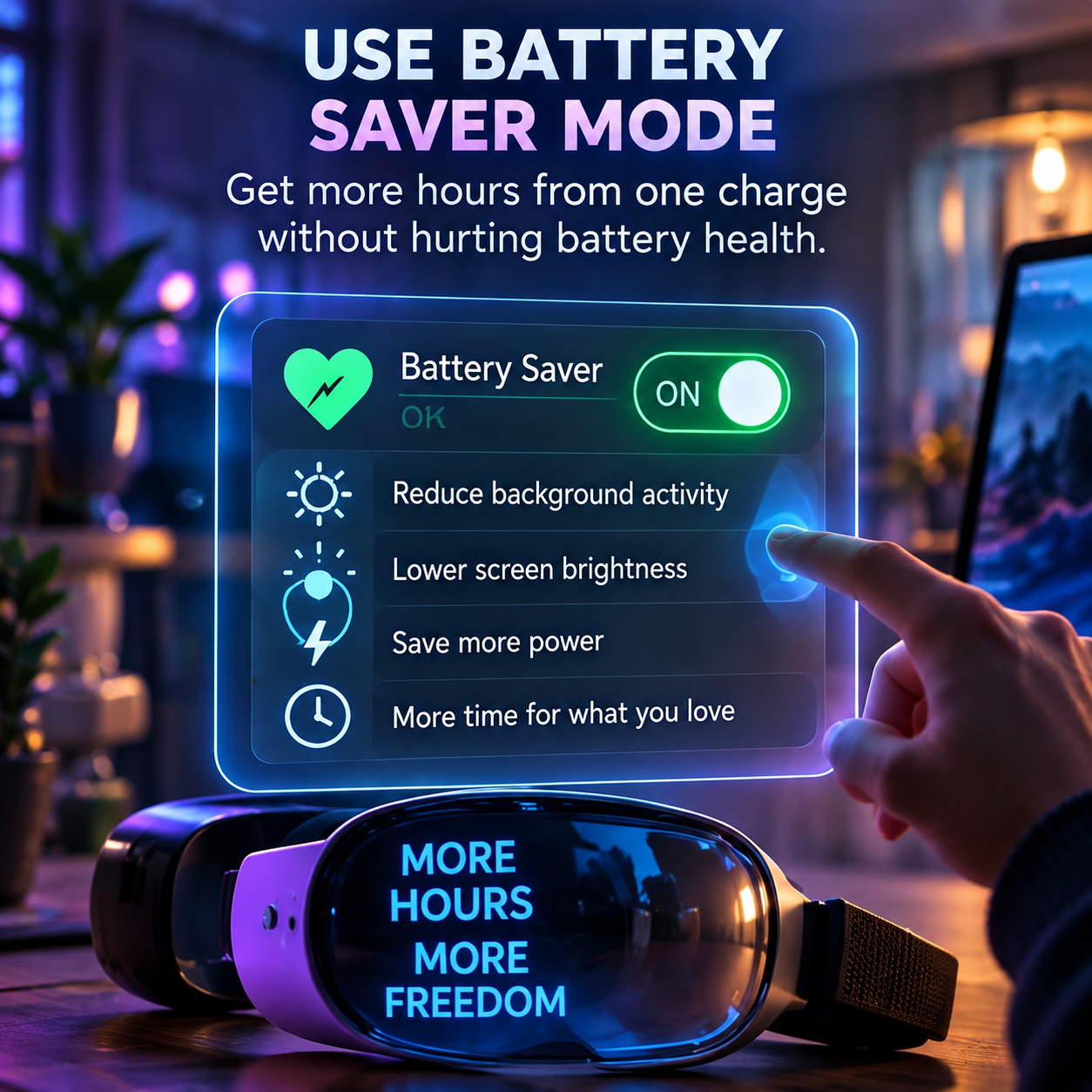
Laptop battery saver mode refers to a built-in setting within the operating system that decreases background activity, screen brightness, and some performance capabilities to extend battery life. It’s meant to get you to complete the task at hand on a low battery, not to keep the battery healthy for a long time. Battery saver mode can help make laptop battery last longer on a single charge by reducing unnecessary power consumption.
When is it a good time to use battery saver mode?
Battery saver mode is best when you’re not at home and need to get more battery life out of your battery, like while travelling, during a long meeting, or on a flight where there aren’t any outlets. Many laptops also have a battery saver mode that will automatically activate when the battery charge falls below a certain level, such as 20%, eliminating the need to remember to switch to battery saver mode every time.
How To Know Laptop Battery Life
Knowing the lifespan of a laptop battery is about as easy as reading a built-in battery health report that nearly all modern laptop computers can produce, not guessing based on how long the battery feels like it lasts.
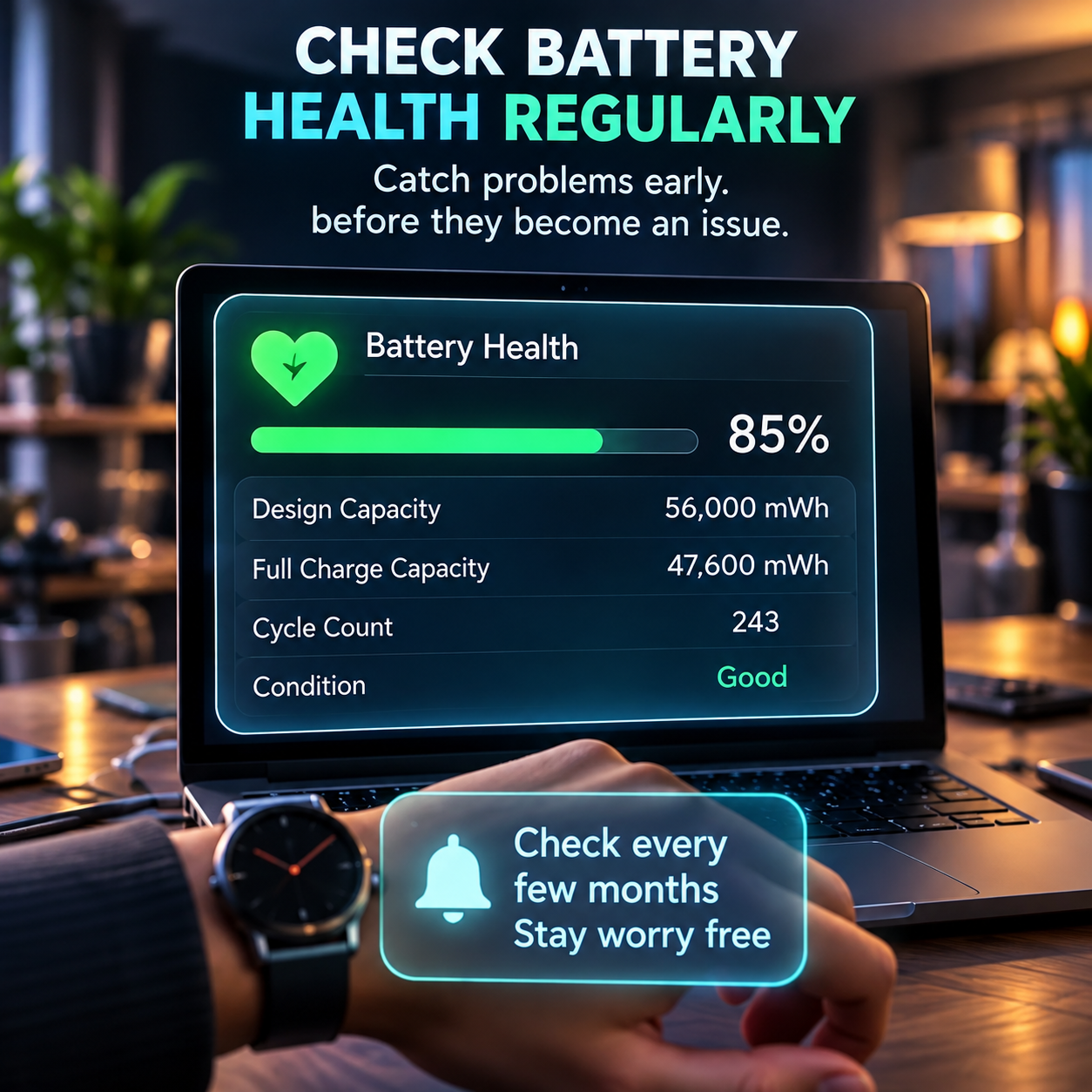
To get a detailed battery report on Windows, open the Command Prompt and enter the command powercfg /batteryreport, which will generate an HTML file with your battery’s current design capacity versus original, and your complete charge cycle history.
To check battery health on MacBooks, go to System Settings, Battery, and Battery Health, which will display a straightforward label that tells you if your battery is in good condition or if it has started to show signs of degradation.
How to know how many hours my laptop battery will actually last?
The runtime of a laptop on a single charge can be estimated by the following formula: Runtime in hours (on a single charge) = Battery capacity in watt hours divided by the average power draw in watts. If a laptop has a 58 watt hour battery and consumes an average of 7 watts while using it for light tasks, for instance for browsing the web and working with documents, then it should last about 8 hours. Monitoring your actual runtime also makes it easier to understand how to make laptop battery last longer during everyday use.
How to Determine When to Replace Laptop Battery?
The best indicator that your laptop battery needs to be replaced is when your battery health report indicates that the capacity has significantly decreased from its original level, usually below 80% of the original level, or when the laptop turns off before the battery percentage drops to 0. If a battery suddenly drains much quicker than it ever has before, even after you’ve ruled out new resource-intensive background applications, it’s another sure sign that the battery itself is beginning to wear out, and not your usage. Replacing a worn-out battery at the right time can make laptop battery last longer in practical use and restore more reliable performance.

Notebook Battery Calibration
If your battery health report is good but the percentage fluctuates, the issue could be with the battery meter, not the battery. The number that your laptop displays over time can become inaccurate with the actual charge remaining in the laptop, and that’s why a laptop can display a 30% charge and then turn off without warning. That’s where notebook battery calibration comes in handy.
It’s like teaching your laptop to read the fuel gauge once more. The battery is charged to 100%, the laptop is used until it is low, then charged back to 100% without interruption, and the system re-learns the actual top/bottom of the battery. Calibration won’t increase the capacity of an old battery, but it can make your percentage and time remaining estimates much more reliable.
Most laptops will only require this every few months or when you see sudden drops and unexpected shutdowns. Don’t run it too frequently, since this will put additional stress on the battery. If the battery health is already below 80%, the calibration will not solve the issue, so it is better to replace the battery. Proper calibration and regular health checks can also help you make laptop battery last longer by avoiding unnecessary charging habits.
Compare the similarities and differences between the two types of battery habits.
| Habit | Effect On Battery Lifespan | Better Alternative |
| Plugging the laptop in at 100 percent all the time. | High charge and heat accelerates calendar ageing | Use a charge limit feature around 80-90 percent |
| Regularly letting the battery get to 0 percent. | Increases unnecessary strain as opposed to partial cycles | Small and frequent recharges |
| Do not use a laptop in hot environments, such as direct sunlight. | Increases the rate of chemical degradation greatly | Don’t let the laptop get too hot and make sure the vents are not blocked. |
| Taking advantage of the battery saver mode when battery levels are low | Lowers power consumption and consequently decreases heat production | Keep using it, particularly when not plugged in |
| Storing an unused laptop fully charged or fully drained | Long term capacity loss occurs at both extremes of storage temperatures. | Store at approximately 50% charge in a cool place |
Common Laptop Battery Errors Made by People
Error one is thinking that a plugged-in laptop always means it’s better for the battery. Use a charge limit setting if available or disconnect the laptop when it is at a high but not full percentage.
Error two is not considering heat at all. To fix, ensure that vents are kept free of dust and debris, refrain from placing a laptop on soft surfaces (bed, blanket, etc.), and never leave a laptop in a hot car.

Error three is when you don’t check the battery health until the laptop starts exhibiting weird behavior. Fix it by conducting a quick battery health check every couple of months to detect any slow deterioration early.
Error four is to mix battery saver mode with a long term battery protection application. Know that the battery saver mode controls the current charge, and separate charge limit settings control long-term battery health.
Error Five is the regular use of an incompatible or off brand charger. To prevent inconsistent voltage and heat, use the manufacturer’s charger or a certified charger. Avoiding these common mistakes can help you understand how to make laptop battery last longer and protect its health over time.
FAQ
What is the useful life of a laptop battery?
Most laptop batteries can be replaced when their health report indicates that they are at about 80% or less of their original capacity, which occurs after 2-5 years of use for most users.
Does shutting down background apps extend laptop battery life?
Yes. If you want to know how to make laptop battery last longer, closing power-consuming background apps is a simple place to start. It reduces power consumption and heat generation while putting less strain on the battery over time.
Which is better, a laptop on battery or plugged in?
If you’re using the battery for everyday tasks, switching between battery and charger, and not letting the battery sit at 100 percent all the time, is more beneficial for the long term health of the battery than being plugged in all the time. This simple balance is another effective way to make laptop battery last longer without changing your everyday routine.
How to check battery life on a laptop without additional software?
There are no third party programs needed since Windows and macOS have inbuilt battery health tools: Windows has a battery report command, while macOS has a Battery Health section in System Settings.
Is the battery life reduced when the laptop is in battery saving mode?
No, it does not result in any extra battery drain or damage as turning off battery saver mode will bring the laptop back to normal operation and battery consumption.
If a laptop is used exclusively as a desktop replacement (plugged into a monitor), how long will the battery last?
A charge limit feature to maintain the battery at 50-60% charge (not at 100%) is particularly beneficial in this scenario, because this is the most common long term capacity loss scenario for calendar ageing.
Quick Summary
- Learning how to make laptop battery last longer starts with understanding that most laptop batteries last for 2–5 years or about 300–500 charge cycles before showing significant capacity loss.
- The two habits that are most important for long term battery health are keeping the charge between 20 and 80 percent and avoiding heat.
- The battery saver mode does not drain the battery, it actually helps by decreasing battery consumption and heat when using the laptop.
- You can use free built-in tools on Windows and Mac to see exactly how to determine your laptop battery life.
- Regularly checking the battery health report every few months can help you detect a failing battery before it becomes an issue.
For a more in depth look at battery chemistry and charge cycles, discover what really makes laptop batteries age in this free guide from Battery University.
References
- Battery University, Lithium Ion Battery Cycle Life Research
- Apple Support, Battery Health Documentation
- Journal of Power Sources, Thermal Exposure Effects On Battery Lifespan, 2023
- Consumer Reports, Laptop Battery Longevity Findings
- U.S. Department of Energy, Battery Temperature And Usage Impact Research
Updated for 2026.


Post Comment